How to Choose the Right Laptop for Your Business in 2026
Choosing the right business laptop in 2026 can improve productivity, security, and long-term value. Discover the key specifications, features, and factors to consider when selecting the best laptop for your business.
How to Choose the Right Laptop for Your Business in 2026
Find out how to choose the right business laptop in 2026, from processors and RAM to storage, battery life, security, portability, and budget.
Choosing the right laptop for your business is more important than simply finding a device with the latest specifications. The right business laptop should match your employees' workloads, software requirements, mobility needs, security expectations, and budget.
Whether you run a small business, manage a growing team, or are responsible for purchasing laptops for a large organization, understanding the key specifications can help you make a better investment.
In this business laptop buying guide, we explain what to look for when choosing laptops for your business in 2026.
Why Choosing the Right Business Laptop Matters
Laptops have become essential tools for modern businesses. Employees use them for communication, video meetings, accounting, project management, customer service, software development, design, sales, and many other daily tasks.
Choosing an unsuitable laptop can lead to slow performance, reduced productivity, frequent upgrades, and unnecessary IT costs.
On the other hand, choosing the right laptop for business can provide employees with the performance, reliability, and flexibility they need to work efficiently.
1. Understand What Your Employees Need
The first step in choosing the best business laptop is understanding the workload. Not every employee needs a high-end laptop.
Basic Office Work
Employees who primarily use:
- Microsoft Office
- Google Workspace
- Web browsers
- Video conferencing
- Accounting software
- Business applications
can usually work effectively with a reliable mid-range laptop.
Professional and Technical Work
Employees working with demanding applications may require more powerful hardware. This can include:
- Software developers
- Graphic designers
- Video editors
- Architects
- Engineers
- Data analysts
- 3D professionals
For these users, processor performance, RAM, storage, graphics capabilities, and display quality become more important.
2. Choose the Right Processor
The processor is one of the most important components of a laptop.
Modern business laptops are available with processors from manufacturers such as Intel, AMD, and Apple, with different performance levels designed for different workloads.
For everyday business tasks, a modern efficient processor can provide more than enough performance. For demanding workloads, businesses may need a higher-performance processor with more processing cores and stronger sustained performance.
When comparing laptops, don't focus only on the processor's model number. Consider the generation, performance class, power efficiency, and the applications your employees use.
3. How Much RAM Does a Business Laptop Need?
RAM affects how smoothly a laptop can handle multiple applications at the same time. For many everyday business users, 8GB of RAM can be sufficient for basic tasks. However, 16GB of RAM is a more comfortable choice for many modern business environments.
Users working with large datasets, development environments, creative applications, virtual machines, or other demanding software may benefit from even more memory.
8GB: Basic office and everyday tasks
16GB: Recommended for many business users
32GB+: Professional and demanding workloads
When purchasing laptops for a company, choosing an appropriate RAM configuration can help extend the useful life of the devices.
4. SSD Storage Is Important
Storage affects both capacity and system responsiveness. Modern business laptops should generally use SSD storage rather than traditional mechanical hard drives.
SSDs can provide faster boot times, quicker application loading, and a more responsive overall experience.
For many employees, 256GB or 512GB SSD storage may be appropriate depending on how much data they store locally.
Employees working with large media files, engineering projects, databases, or other large datasets may require more storage.
5. Consider Battery Life
If employees frequently travel, attend meetings, work from different locations, or visit customers, battery life becomes particularly important.
A laptop with good battery efficiency allows employees to work for longer without constantly searching for a power outlet.
When comparing battery claims, remember that real-world battery life depends on factors such as:
- Screen brightness
- Applications being used
- Wi-Fi usage
- Processor workload
- Video conferencing
- Power management settings
6. Choose the Right Screen Size
Laptop screen size can affect both productivity and portability.
Smaller laptops
Smaller displays can be ideal for:
- Sales employees
- Frequent travelers
- Consultants
- Remote workers
- Employees who regularly work away from a desk
Larger laptops
Larger screens can be useful for:
- Designers
- Analysts
- Developers
- Accountants
- Engineers
- Employees working with large spreadsheets
There is no single best laptop screen size for every business. The right choice depends on the employee's working environment.
7. Don't Ignore Build Quality
Businesses need laptops that can handle everyday use. If employees travel frequently, a durable and well-built laptop may provide better long-term value than a cheaper device with lower build quality.
Consider factors such as:
- Keyboard quality
- Hinge durability
- Chassis construction
- Weight
- Port selection
- Cooling
- Overall reliability
8. Business Security Should Be a Priority
Security is an important consideration when selecting laptops for a company. Business devices may contain sensitive customer information, financial data, internal documents, passwords, and company intellectual property.
Depending on your organization's requirements, look for features such as:
- Biometric authentication
- Secure login options
- Hardware-based security features
- Device encryption support
- Firmware security
- Enterprise device management compatibility
Businesses should also have appropriate security policies in place. A secure laptop is only one part of an organization's overall cybersecurity strategy.
9. Think About Connectivity and Ports
Modern employees connect laptops to monitors, docking stations, storage devices, projectors, networks, and other accessories.
Depending on your requirements, useful connectivity options may include:
- USB-A
- USB-C
- HDMI
- Headphone jack
- Ethernet through a built-in port or adapter
- Wi-Fi
- Bluetooth
If your employees use external monitors or docking stations, make sure the laptop supports the required connectivity standards.
10. Windows, macOS, or Another Platform?
Your business's software ecosystem should influence your operating system choice.
Windows laptops offer broad compatibility with business applications and are available across a wide range of price points and hardware configurations.
Mac laptops can be attractive for organizations that already use Apple's ecosystem or have employees working in areas such as creative production and software development.
The most important consideration is compatibility with the applications, management tools, and workflows your business already uses.
11. Don't Choose a Laptop Based Only on Price
Price is an important factor when buying laptops, but the cheapest device isn't necessarily the most economical option.
A laptop that is slightly more expensive but offers better performance, durability, battery life, and support may provide better long-term value.
Businesses should consider the total cost of ownership, including:
- Purchase price
- Warranty
- Repairs
- Maintenance
- Accessories
- IT support
- Productivity
- Replacement costs
12. Buying Laptops for a Growing Business
If your company is expanding, think beyond your immediate requirements. For example, if you expect to hire more employees over the next year, standardizing laptop models can simplify IT management and procurement.
Purchasing compatible laptops from a reliable business laptop supplier can also make future orders easier.
Standardization can help businesses simplify:
- Device configuration
- Software deployment
- Employee onboarding
- Technical support
- Repairs
- Replacement
- IT inventory management
13. New vs. Refurbished Business Laptops
Businesses don't always need to purchase brand-new laptops. High-quality refurbished laptops can be an option for organizations looking to manage their technology budget while still providing employees with capable hardware.
However, when buying refurbished laptops, businesses should carefully evaluate:
- Device condition
- Battery health
- Hardware testing
- Warranty
- Return policy
- Cosmetic grading
- Supplier reputation
For organizations purchasing in larger quantities, working with an experienced supplier can help ensure consistent quality across the order.
What Is the Best Business Laptop in 2026?
There is no single best business laptop in 2026 for every company. The ideal laptop depends on the user's role, software requirements, budget, portability needs, and expected lifespan.
A finance employee may need a different configuration from a software developer. A traveling sales representative may prioritize battery life and weight, while a designer may prioritize display quality and graphics performance.
Business Laptop Buying Checklist
Before placing your order, use this quick checklist:
- What applications will employees use?
- Which processor is appropriate?
- Is 8GB, 16GB, or more RAM required?
- How much SSD storage is needed?
- How important is battery life?
- What screen size is appropriate?
- Does the laptop have the required ports?
- Does it meet your security requirements?
- Is the operating system compatible with your software?
- What warranty is included?
- Can the supplier provide future replacements?
- Does the price provide good long-term value?
Why Choose Bernadova Studio?
At Bernadova Studio, we understand that businesses have different laptop requirements. Whether you need laptops for a small team, a growing company, an educational organization, or a larger deployment, choosing the right specifications is essential.
Our goal is to help businesses identify suitable laptop options based on performance, budget, quantity, and intended use.
If you are planning to purchase business laptops or need laptops in larger quantities, our team can help you evaluate the available options and find a solution that fits your requirements.
Frequently Asked Questions
The best laptop for a small business depends on the employee's workload and budget. For general office work, a reliable laptop with a modern processor, 16GB RAM, and SSD storage can provide a strong balance of performance and longevity.
For many business users, 16GB RAM is a good starting point in 2026. Basic users may be comfortable with 8GB, while professionals using demanding applications may require 32GB or more.
Yes. SSD storage can provide faster boot times, application loading, and overall system responsiveness compared with traditional hard drives.
Refurbished laptops can be a cost-effective option when sourced from a reputable supplier. Businesses should check the device condition, battery health, testing process, warranty, and return policy before purchasing.
The useful lifespan of a business laptop depends on its hardware, workload, maintenance, and usage. Choosing appropriate specifications and durable hardware can help businesses keep devices productive for longer.
Final Thoughts
Choosing the right business laptop in 2026 is about finding the right balance between performance, reliability, security, portability, and cost.
Instead of selecting a laptop based solely on price or specifications, businesses should consider how each employee will use the device and what they will need in the future.
Whether you're purchasing one laptop or equipping an entire organization, taking the time to choose the right hardware can improve productivity and reduce unnecessary technology expenses.
Looking for this laptop model or custom pricing?
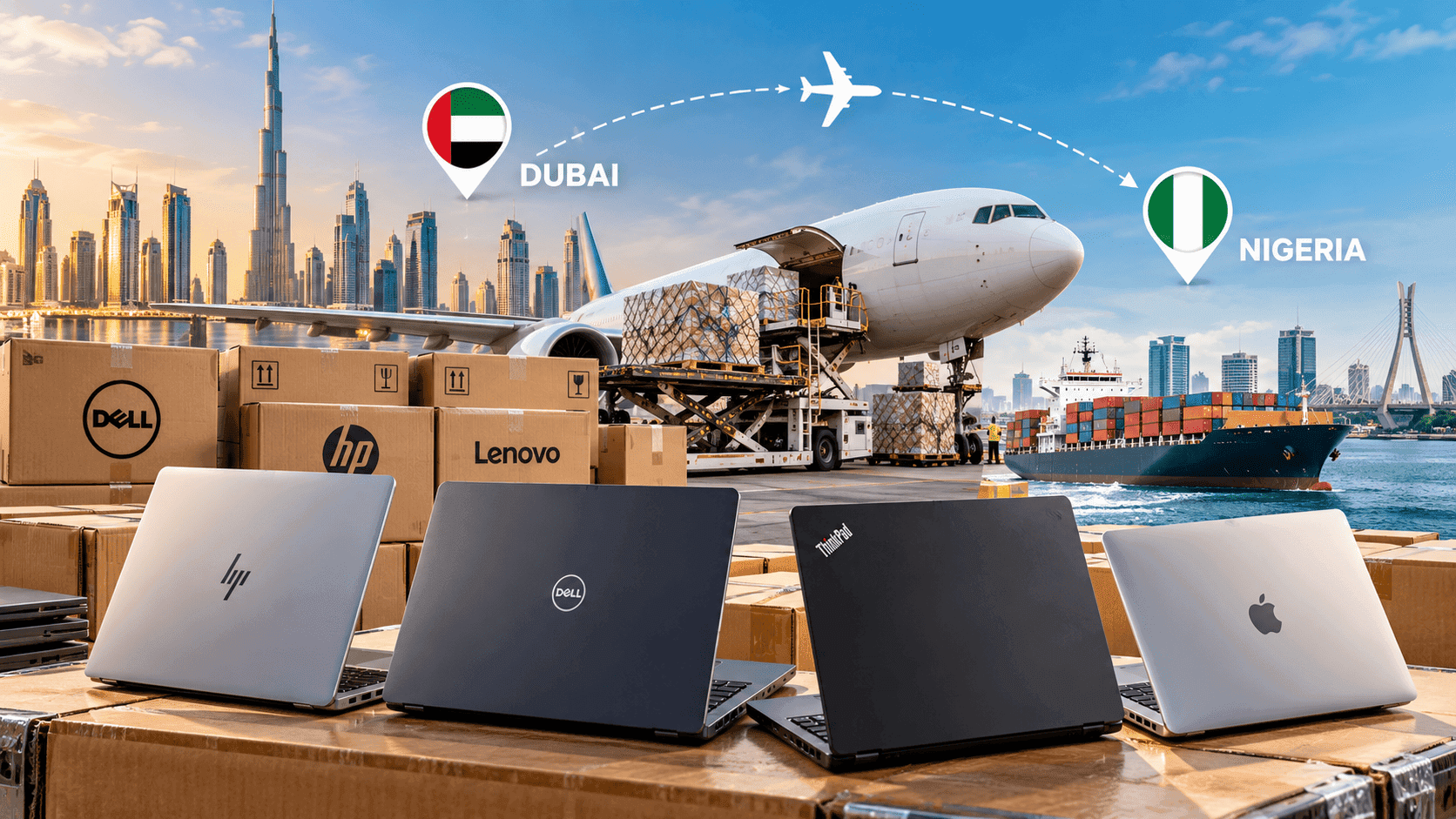
We supply tested retail units across the UAE with 30-day warranty and handle bulk air cargo export to Africa.